
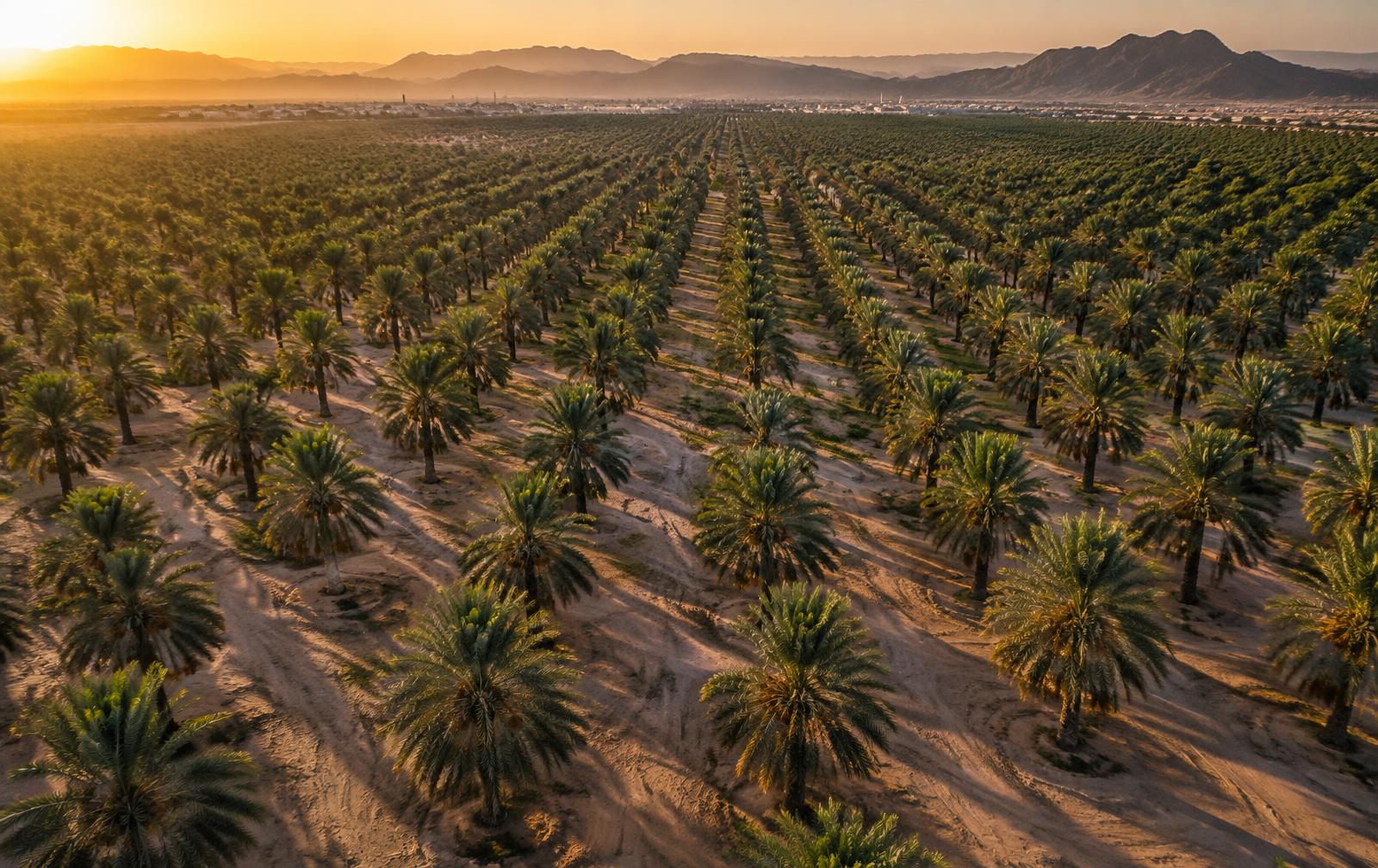
Platform
FarmX App and the FARMX TREE monitoring workflow
FarmX App is available through the App Store, giving users mobile access to the FARMX ecosystem.
FARMX TREE brings sensor-based palm monitoring into a digital environment designed to make information accessible across your operation. Depending on the project configuration, monitoring can be accessed through supported mobile and desktop environments.
System access, hardware and connectivity are configured as part of each FARMX TREE project.

FarmX App
Take FARMX with you
Access the FarmX App directly from your iPhone or iPad and experience the mobile side of the FARMX ecosystem.
The app is available for download on the Apple App Store.

Download FarmX App
FarmX App
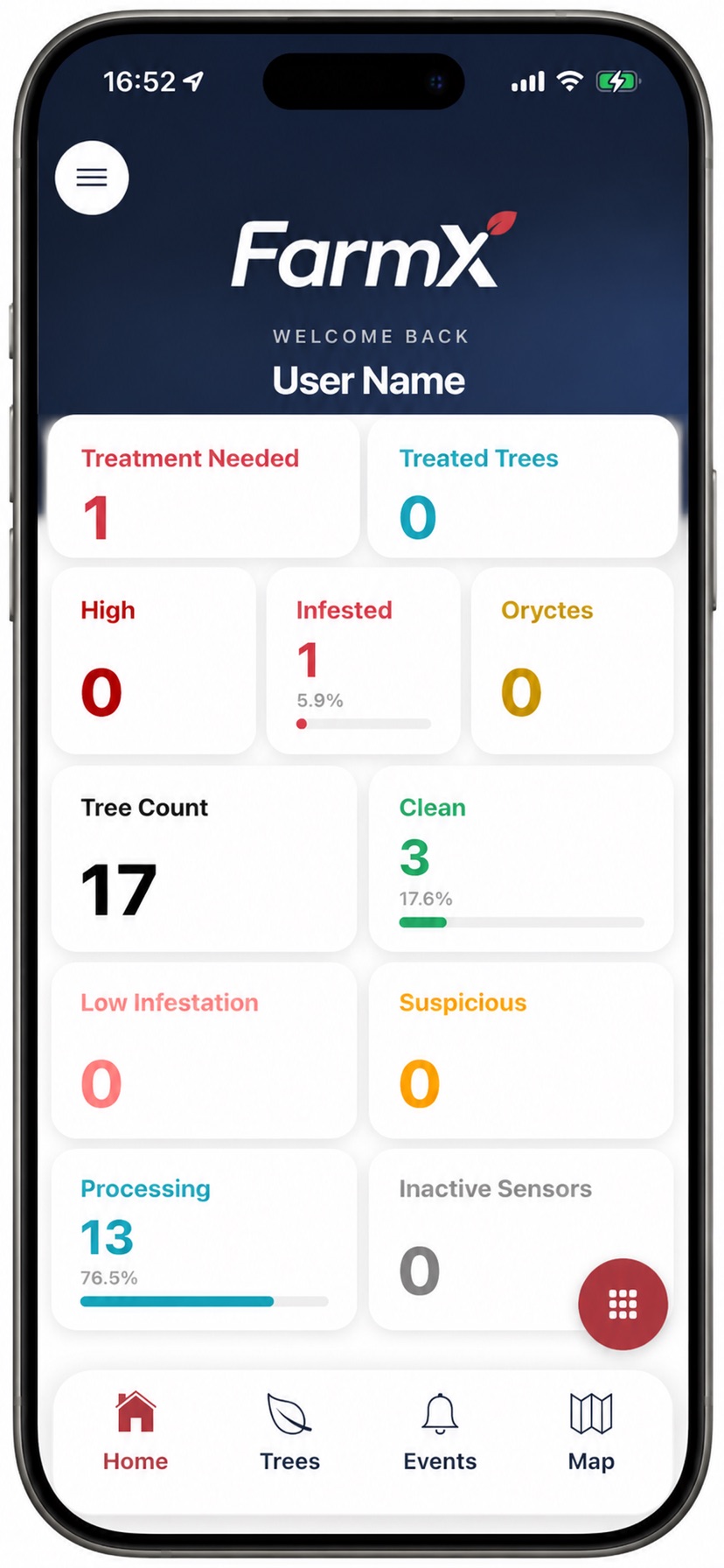
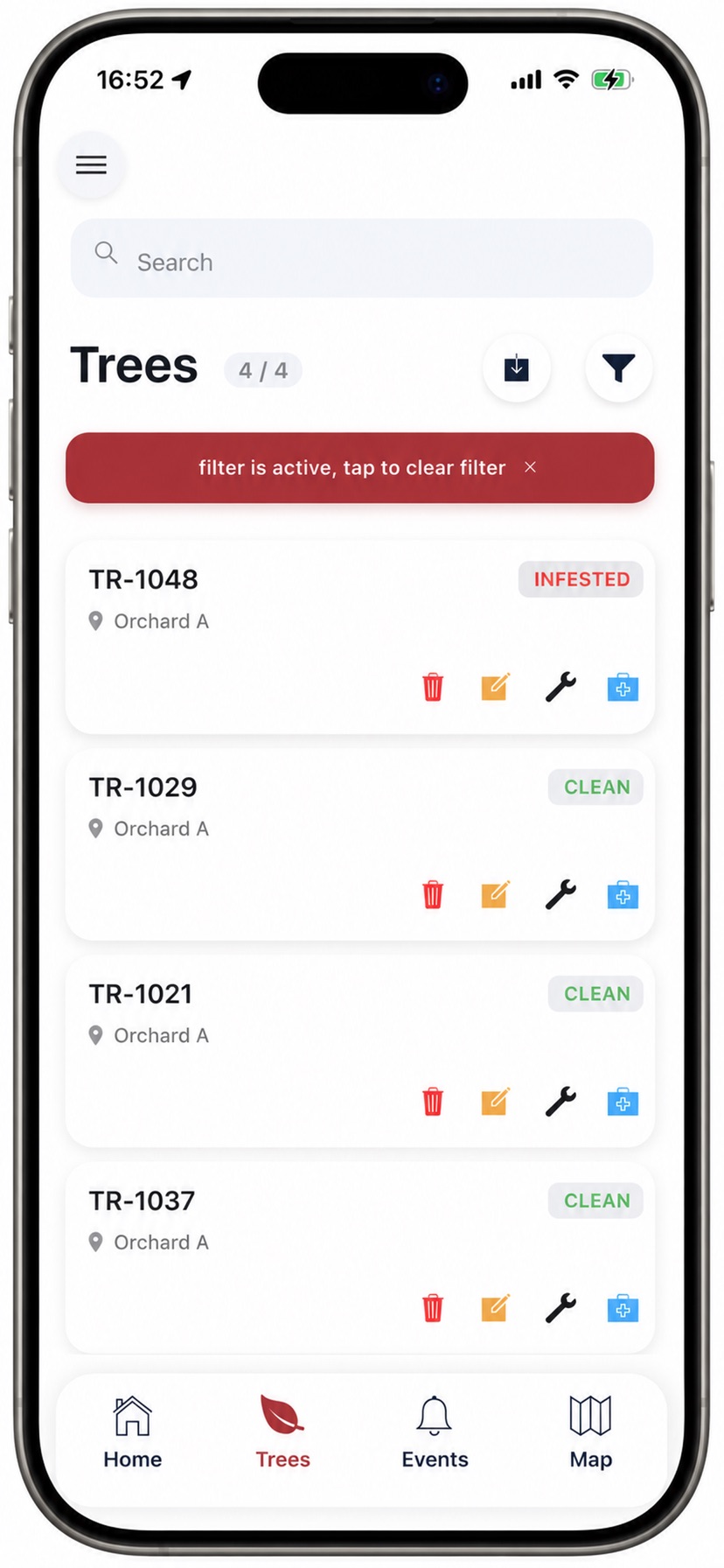
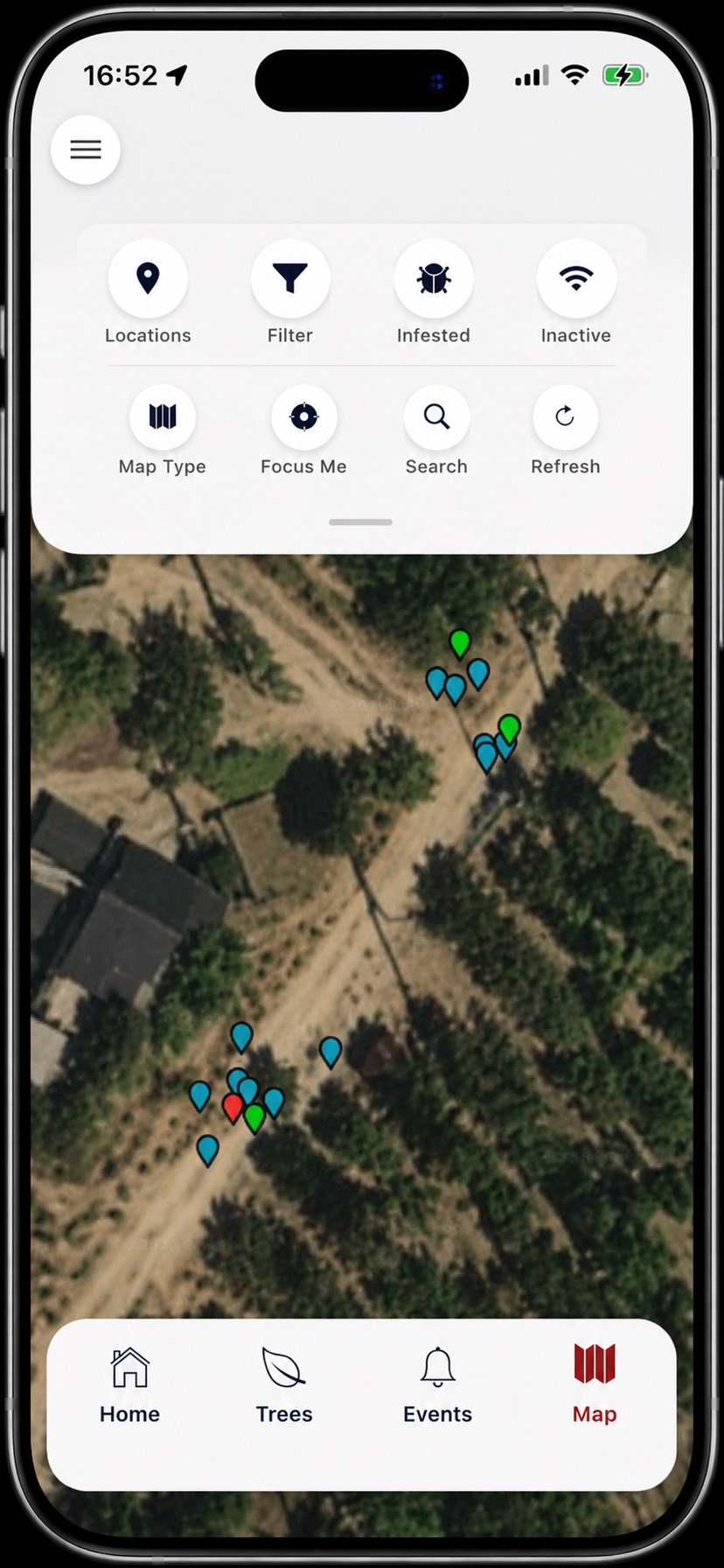
FarmX App on iPhone
Official screenshots published with the FarmX App listing on the App Store.
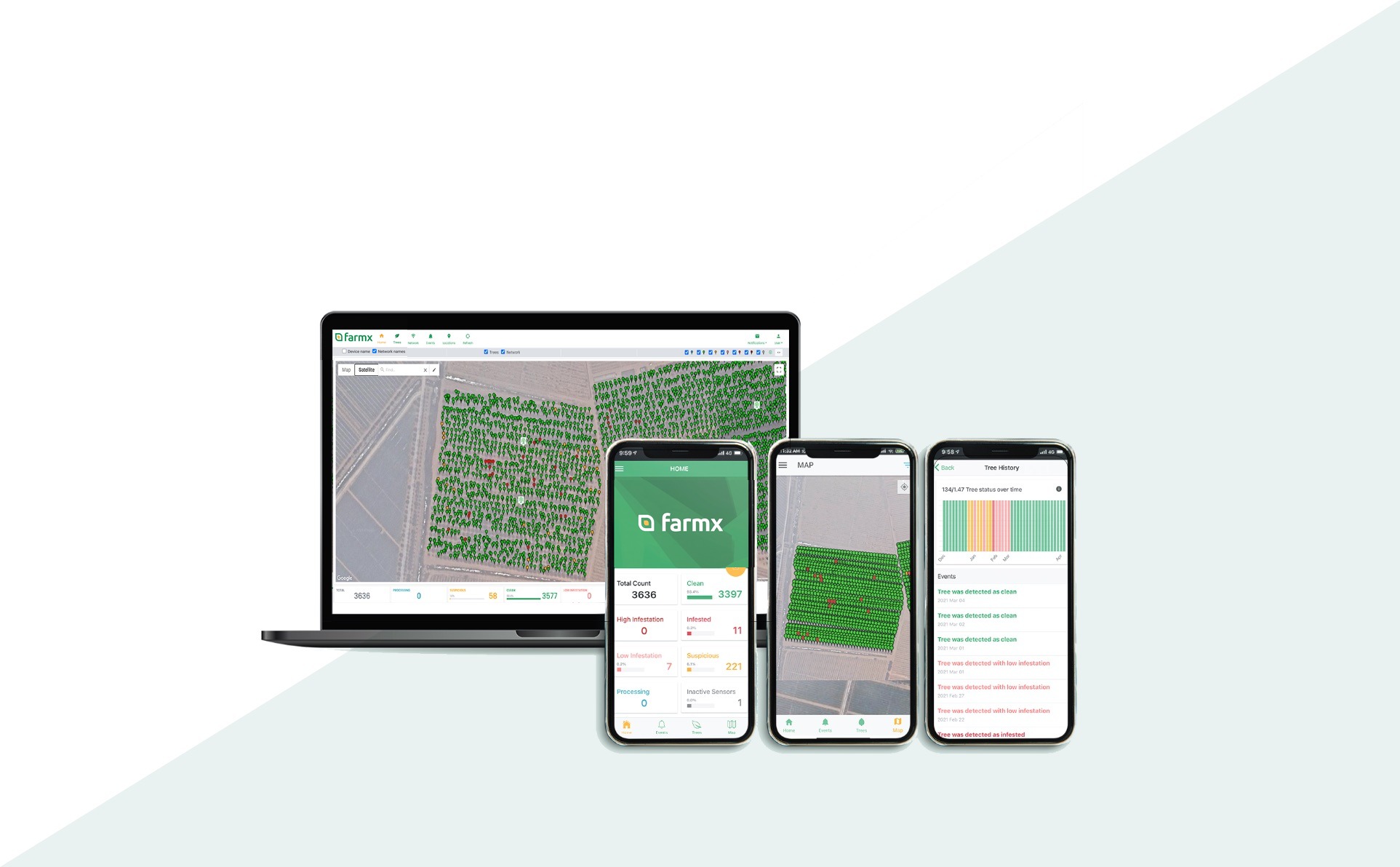
See how FARMX TREE works
The interface shown below illustrates the FARMX TREE monitoring experience and how sensor information can be presented to the user. Displayed data is for demonstration purposes only and does not represent live customer data.
Available features and interface elements may vary depending on system configuration and software version.
FARMX TREE — Plantation Overview
Explore 120 sample palms and review the meaning of each demonstration status.
Illustrative platform preview — sample data
Drag to move the plantation. Use the controls to zoom.
- Palm ID
- P-024
- Area / row
- Area A · Row 2
- Example status
- Infested — demo
Demonstration alert that asks for follow-up. It is not an independently confirmed diagnosis.
Discuss a system for my plantationExample palms and alerts
Select an example to locate the same palm on the map.
Plantation map
A site-oriented view intended to help users locate monitored trees; exact map functions require version confirmation.
Alert list
Activity indications presented for review so teams can decide which trees warrant inspection.
Tree record
Tree-level history and follow-up functions must be confirmed for the software version offered.
Operational review
The tree identity and activity indication give managers and field personnel a common reference for follow-up.